
In an emergency
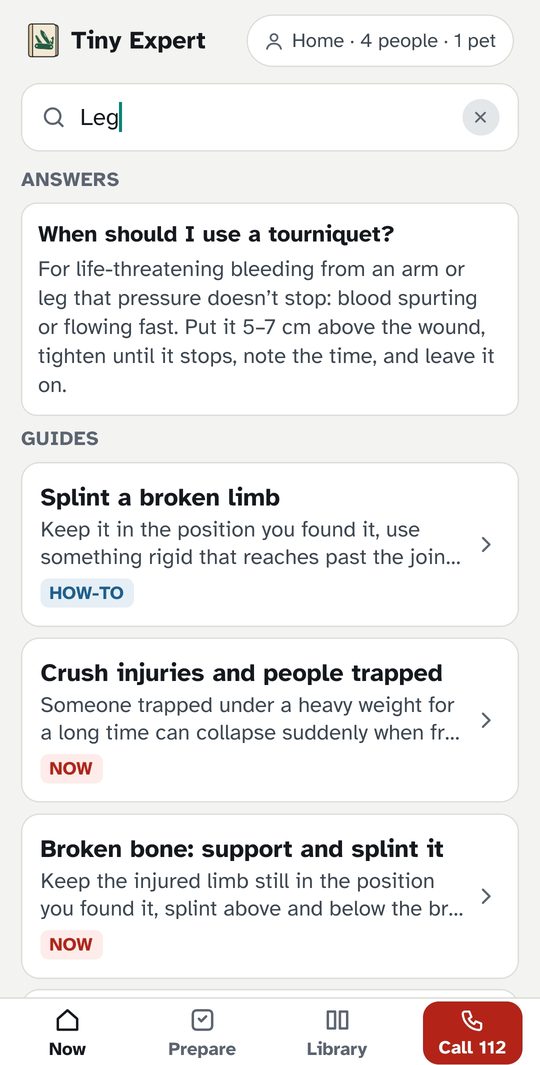
- Type what's happening (“he's not breathing”, “deep cut on the leg”, “smell gas”) and go straight to the right guide.
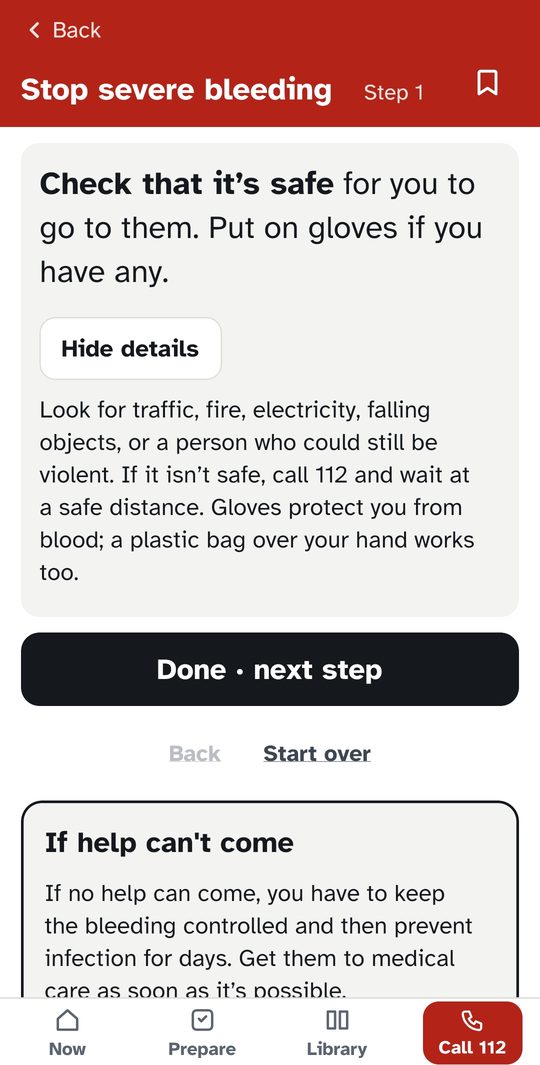
- One short step at a time, with the details behind a “How?” button: CPR, severe bleeding, choking, burns, allergic reactions, opioid overdose, emergency childbirth, poisoning, hypothermia, and more.
- What to do when help can't reach you, over the next hours and days.
- The emergency number for your country, one tap away on every screen.
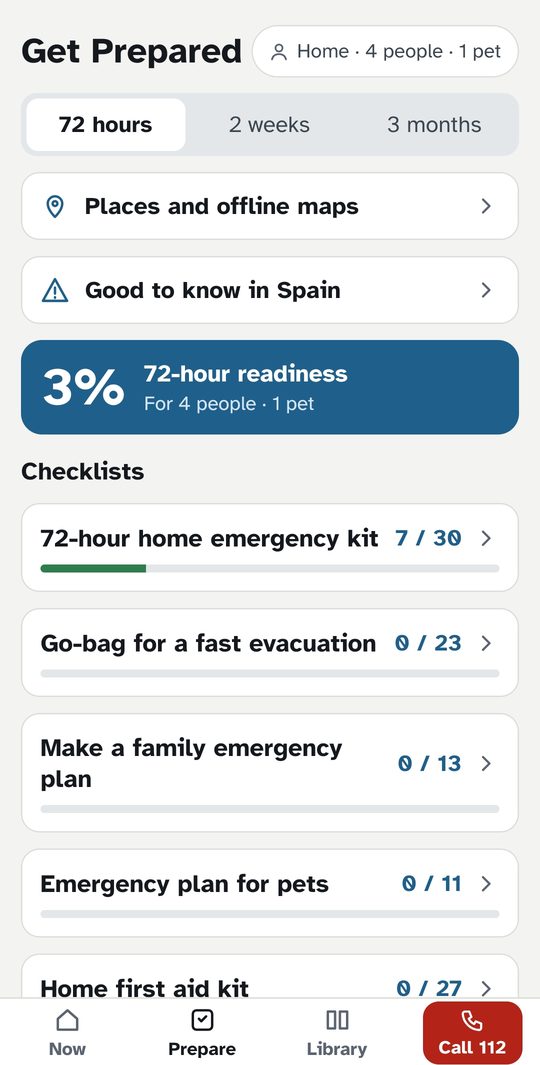
Get prepared
- Checklists for 72 hours, 2 weeks, and longer, scaled to your household.
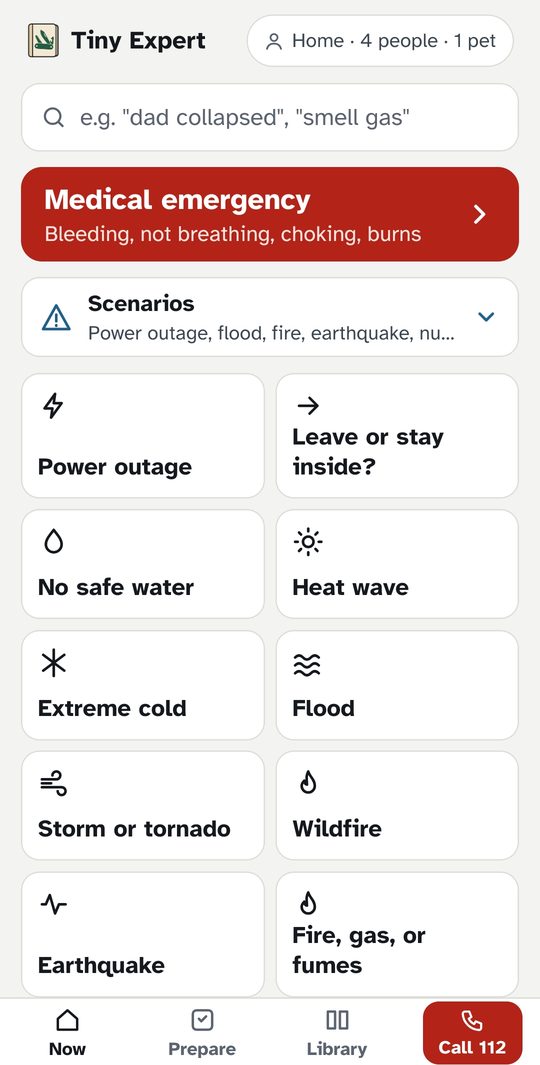
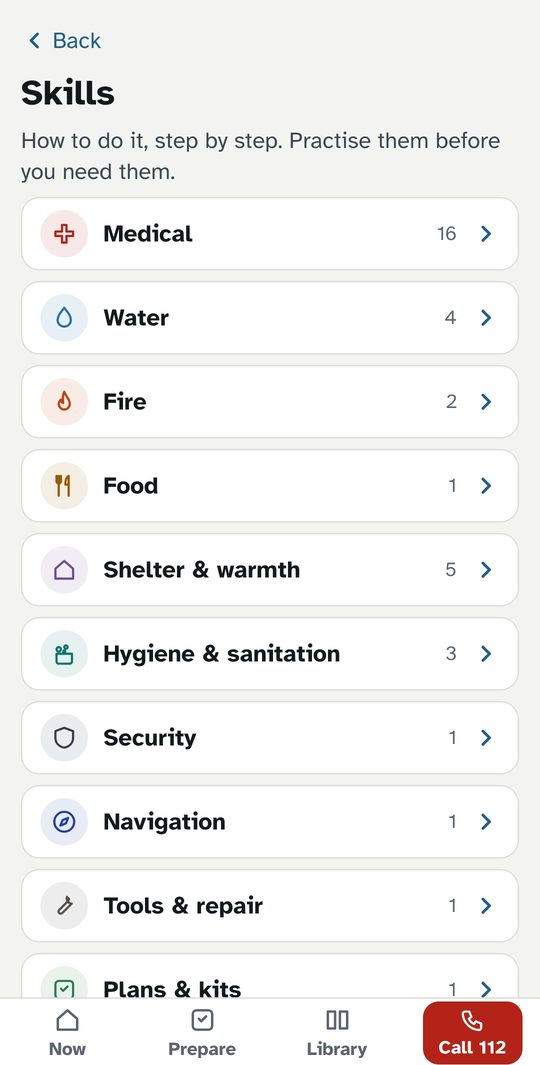
- Water, food, shelter, power cuts, storms, floods, earthquakes, wildfire, and staying warm outdoors.
- Save your home, meeting points, and nearby hospitals. An arrow and compass point you to them on foot, without a map or signal.
How to install
Tiny Expert isn't on Google Play yet, so you install it straight from here. It takes a minute.
- Tap “Download for Android” above, on your phone. If Chrome asks whether to keep the file, tap Download anyway.
- Open the downloaded file. The first time, Android asks to allow installs from your browser: tap Settings, turn on Allow from this source, and go back.
- Tap Install, then Open.
New guides and fixes arrive by themselves when the app starts with a connection. You don't need to download it again.
iPhone: not available yet.
Private by design
No account, no ads, no tracking. Everything you enter stays on your phone. The app checks for content updates when it starts, and sends your approximate area only if you ask it to find nearby places. Privacy policy
Sources
Written from current first aid and preparedness guidance: resuscitation councils, the Red Cross, the WHO, and government agencies. Every guide lists its sources.
Tiny Expert: Survival gives general first aid information. It is not a medical device and does not diagnose, treat, cure, or prevent any medical condition. Consult a healthcare professional for medical advice, diagnosis, or treatment. In an emergency, call your emergency number and follow trained responders.